QR Code Product Catalogs for Retail Stores: A Complete Guide
Learn how to set up QR code product catalogs for your retail store. From placement strategies to customer experience, here's everything you need to know.
Why Retail Stores Need QR Catalogs
Retail stores face a common challenge: customers can only see what's on the shelf. But your inventory might be much larger — items in the back, products available for order, or seasonal stock not yet displayed.
A QR code catalog lets customers browse your full range from their phone, right there in your store.
Where to Place QR Codes
Store Entrance
A prominent QR code at the entrance with a sign like "Browse our full catalog" invites customers to explore before they even start walking the aisles.
Category Sections
Place QR codes at each section (Electronics, Home & Garden, Stationery). Customers scan and see everything in that category — including items that might not fit on the shelf.
Checkout Counter
While waiting to pay, customers can scan and add last-minute items or discover products they missed. This is a proven upselling opportunity.
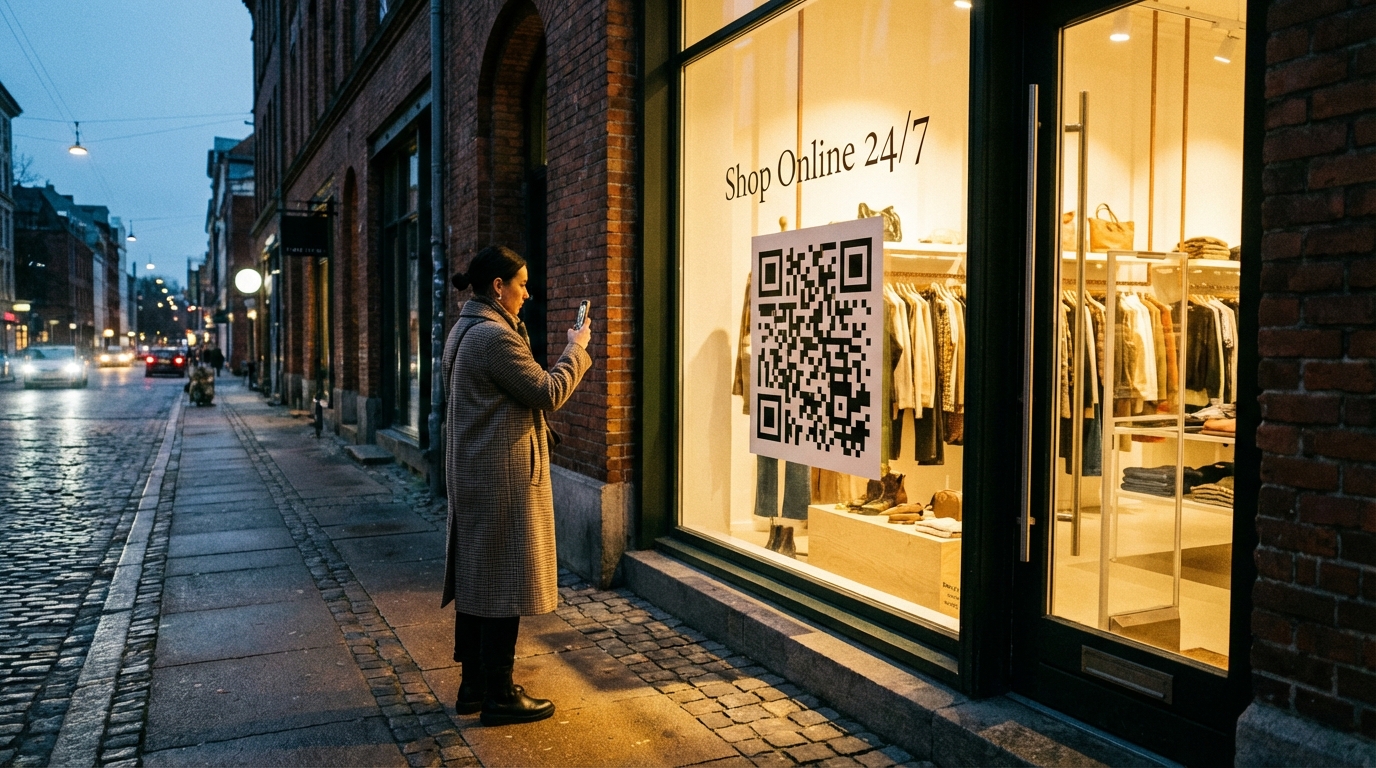
Store Window
A QR code in the window lets passersby browse your catalog even when you're closed. They can check prices and plan their visit for later.
Setting Up Your Catalog
1. Create Categories
Mirror your store layout: organize products the same way your physical aisles are organized. This makes the digital experience feel natural.
2. Add Products with Photos
Every product should have at least one photo, a clear description, and an accurate price. Products with photos get significantly more engagement.
3. Use Tags Strategically
- "New" for recent arrivals
- "Sale" for discounted items
- "Popular" for best sellers
- "Limited" for low stock items
4. Keep Prices Updated
The biggest advantage of a digital catalog is instant updates. When prices change, update them in Menuy and every QR code automatically shows the new price.
Multi-Language Support
If your store is in a tourist area, Menuy's multi-language support lets customers browse in their preferred language. Set up translations once and they're available to every visitor.
Recommended Templates
- Modern Grid — visual product browsing
- Compact — dense product listings for large inventories
- Classic — clean and straightforward
Get started with your retail catalog — free plan available.
Related Articles
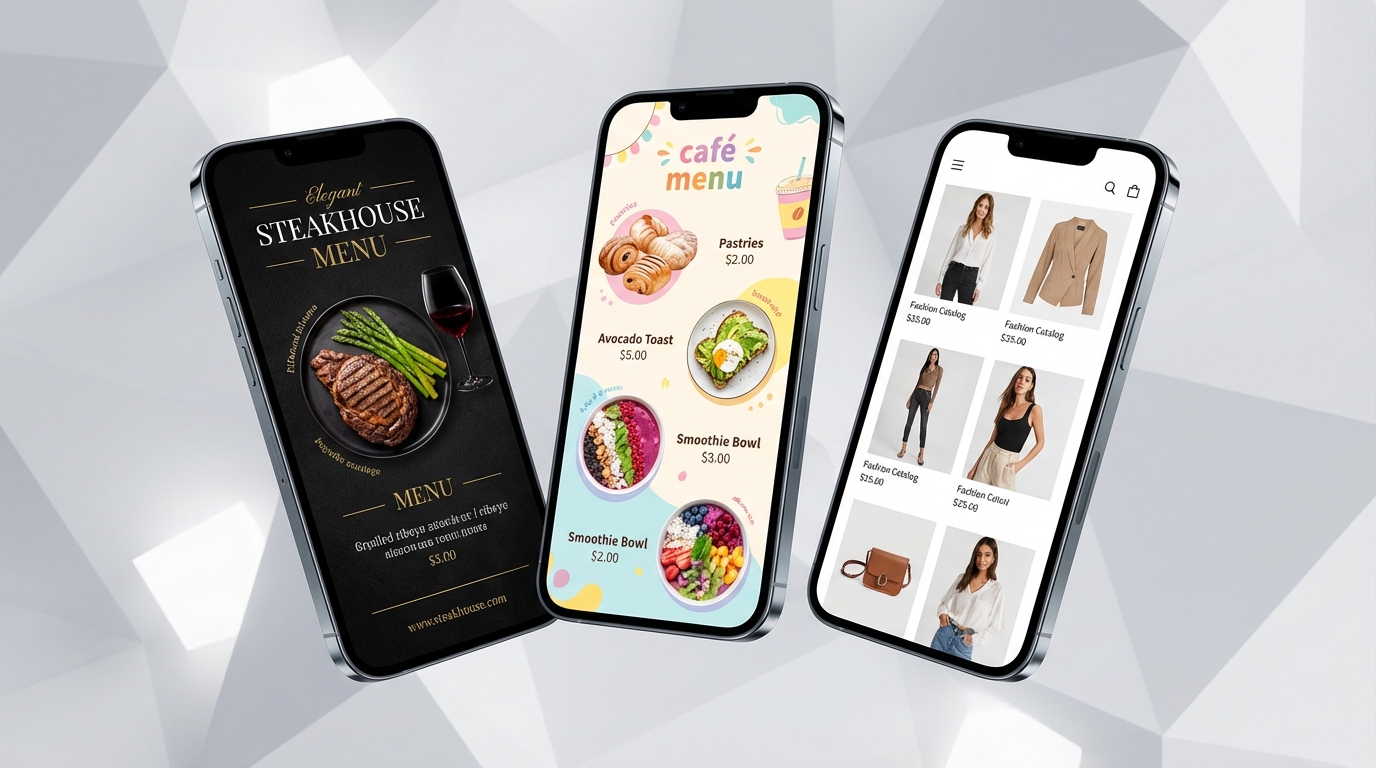
How to Choose the Right Menuy Template for Your Business
Menuy offers 10 professionally designed templates. Here's a guide to picking the one that best fits your business type, brand, and catalog size.
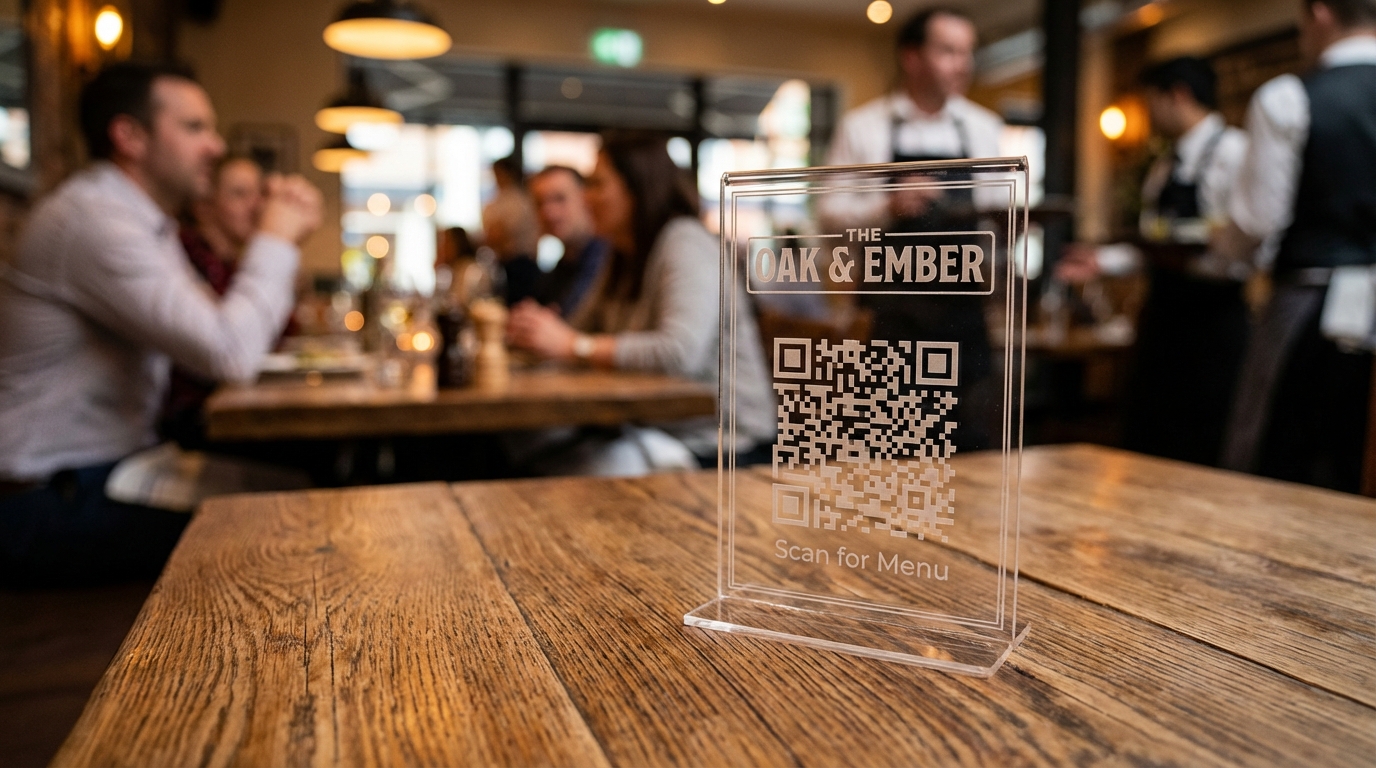
QR Code Menu Best Practices for Restaurants
Where to place QR codes, how to design them, and common mistakes to avoid when implementing QR menus in your restaurant.