How to Choose the Right Menuy Template for Your Business
Menuy offers 10 professionally designed templates. Here's a guide to picking the one that best fits your business type, brand, and catalog size.
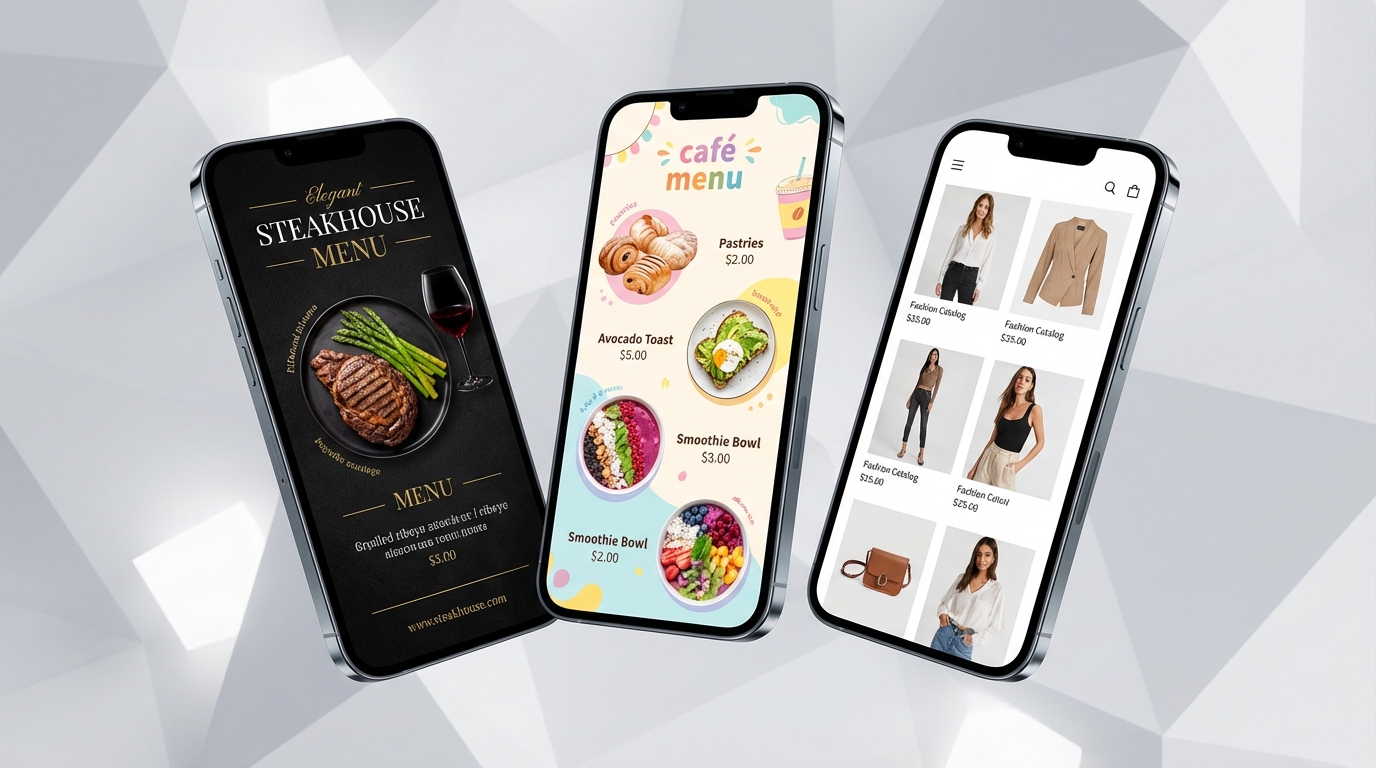
10 Templates, One Perfect Fit
Choosing a template is one of the first decisions you'll make on Menuy. Each template is designed for different use cases, catalog sizes, and visual styles. Here's how to pick the right one.
For Restaurants & Fine Dining
Classic
The reliable all-rounder. Clean layout with categories, item descriptions, and photos. Works for any restaurant, from casual to upscale.
Best for: Restaurants that want a familiar, easy-to-read format.
Elegant
Dark charcoal background with gold accents and serif typography. Feels premium and sophisticated.
Best for: Fine dining, wine bars, and upscale venues.
Cafe Style
Warm colors, rounded cards, and a cozy aesthetic. Perfect for the coffee-shop vibe.
Best for: Cafes, bakeries, and dessert shops.
For Visual-First Businesses
Modern Grid
Full-width photo grid with overlay text. Products are the star — ideal when photos do the selling.
Best for: Electronics stores, gadget shops, product showcases.
Photo Heavy
Large hero images for each item with generous spacing. Let your photos tell the story.
Best for: Bars, cocktail menus, any business with stunning product photography.
Magazine
Editorial-style alternating layout that feels like a fashion magazine spread.
Best for: Fashion boutiques, lifestyle brands, curated collections.
For Bold & Distinctive Brands
Bold
Vibrant colored category banners with high-contrast price pills. Stands out and grabs attention.
Best for: Streetwear shops, food trucks, trendy brands.
For Dense Catalogs
Compact
Two-column dense grid with small thumbnails. Fits the most products per screen.
Best for: Large inventories, hardware stores, phone shops with hundreds of SKUs.
Minimal List
Text-focused list with subtle dividers. Fast loading and distraction-free.
Best for: Simple menus, service lists, businesses that prioritize readability.
For Single-Page Experiences
One Pager
Sticky category navigation with scroll-synced highlighting. Everything on one page, easy to browse.
Best for: SaaS pricing pages, service catalogs, small-to-medium catalogs.
How to Decide
Ask yourself:
- How many products do I have? Large catalogs benefit from Compact or Modern Grid. Small catalogs work great with One Pager or Minimal.
- How important are photos? Photo-heavy businesses should pick Modern Grid, Photo Heavy, or Magazine. Service businesses can use Minimal or Classic.
- What's my brand personality? Premium → Elegant. Trendy → Bold. Warm → Cafe Style. Professional → Classic or One Pager.
Preview Before You Commit
Every template can be previewed with real demo data before you sign up. Try a few and see which one feels right for your brand.
Related Articles
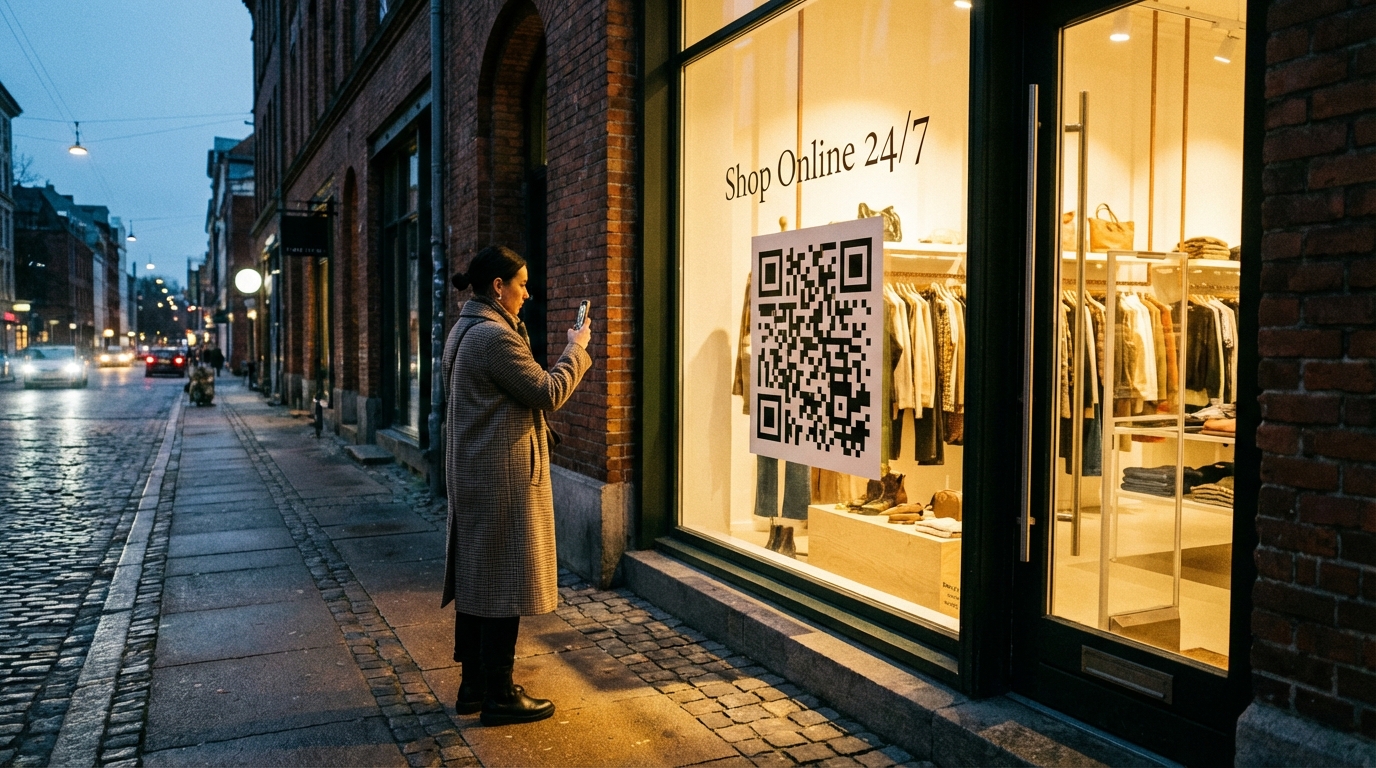
QR Code Product Catalogs for Retail Stores: A Complete Guide
Learn how to set up QR code product catalogs for your retail store. From placement strategies to customer experience, here's everything you need to know.
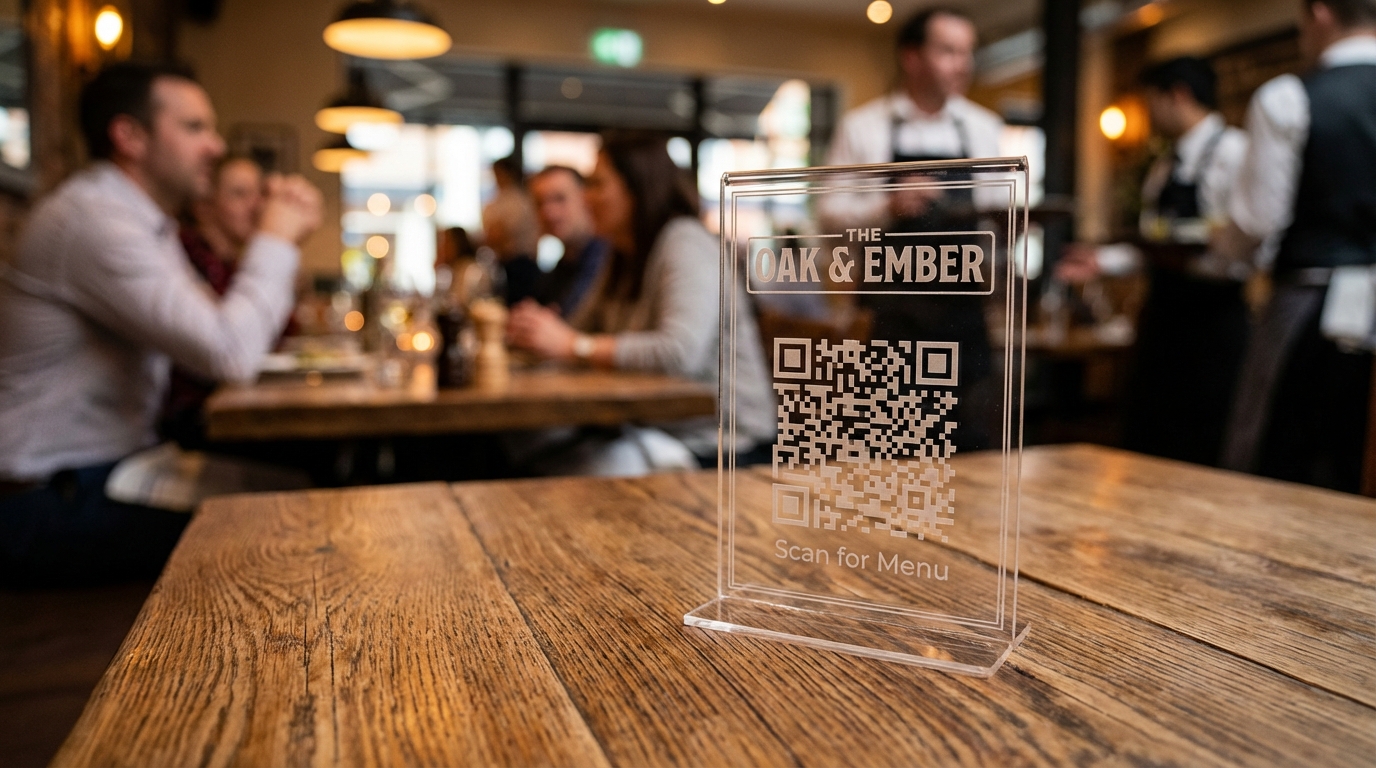
QR Code Menu Best Practices for Restaurants
Where to place QR codes, how to design them, and common mistakes to avoid when implementing QR menus in your restaurant.