QR Code Menu Best Practices for Restaurants
Where to place QR codes, how to design them, and common mistakes to avoid when implementing QR menus in your restaurant.
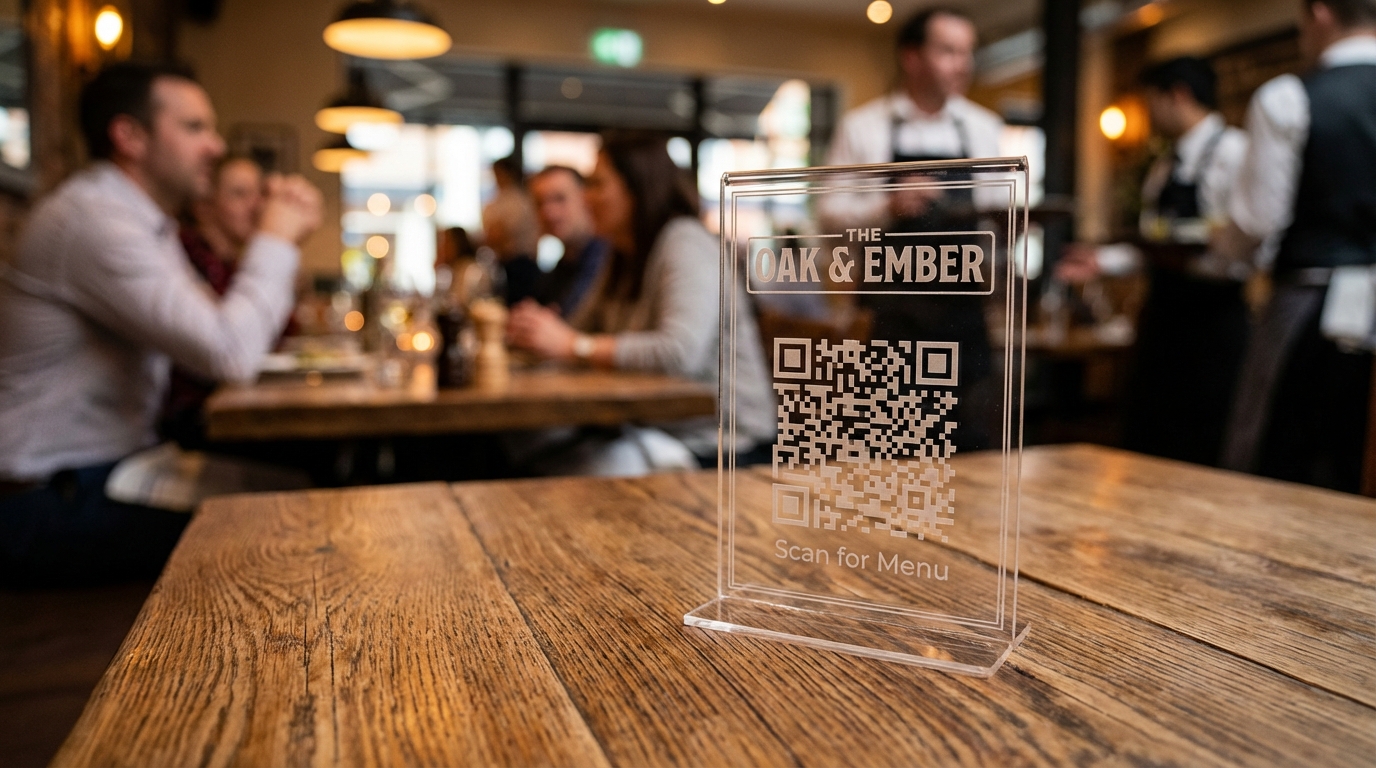
QR Codes Are Everywhere
Since 2020, QR codes have become second nature for most diners. But there's a difference between a QR code that works and one that delights. Here's how to get it right.
Where to Place QR Codes
On Every Table
The most common placement. Print a small tent card or sticker for each table. Include a brief instruction: "Scan to view our menu."
At the Entrance
A large QR code at the entrance lets customers browse while waiting for a table. This can reduce perceived wait times and speed up ordering.
On Takeaway Packaging
Include a QR code on bags, boxes, or receipts. It brings customers back to your menu for repeat orders.
On Social Media
Share your menu QR code on Instagram, Facebook, and Google Business Profile. Digital customers can save and revisit.
Design Tips
1. Size Matters
The QR code should be at least 2cm x 2cm for close scanning (on table) or 10cm x 10cm for wall/window display. Test at the actual scanning distance.
2. Contrast is Key
Dark QR code on a light background works best. Avoid placing QR codes on busy patterns or dark backgrounds.
3. Add Context
Always include text near the QR code:
- "Scan for Menu"
- Your restaurant name
- Wi-Fi info if needed
4. Brand It
Menuy lets you customize QR code colors and add your logo in the center. This builds trust — customers know exactly what they're scanning.
Common Mistakes
- Too small: If customers have to hold their phone 2 inches from the code, it's too small
- Bad printing: Low-resolution prints make QR codes unscannable
- Broken links: Always test your QR codes after generating them
- No fallback: Include a short URL below the QR code for older phones
- Forgetting to update: If you change your menu URL, your QR codes stop working. Menuy's QR codes use permanent links that always work.
Tracking QR Code Scans
With Menuy, each QR code tracks:
- Number of scans
- Time of day
- Device type
Use this data to understand customer behavior. If table 5's QR code never gets scanned, maybe it needs repositioning.
Getting Started
- Create your menu on Menuy
- Go to the QR Codes section in your dashboard
- Generate codes for each table or location
- Download and print
- Place and test
It's that simple. Your QR menu can be live in under an hour.
Related Articles
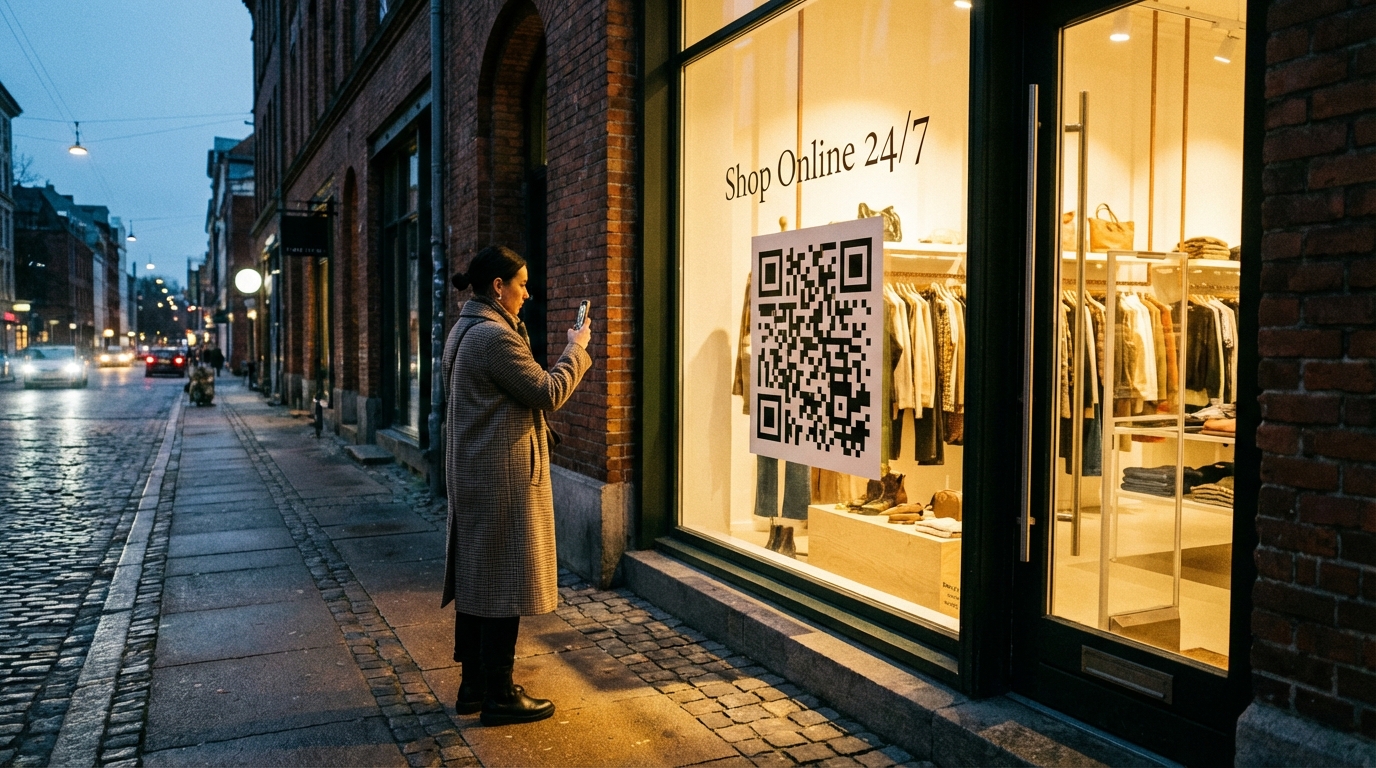
QR Code Product Catalogs for Retail Stores: A Complete Guide
Learn how to set up QR code product catalogs for your retail store. From placement strategies to customer experience, here's everything you need to know.
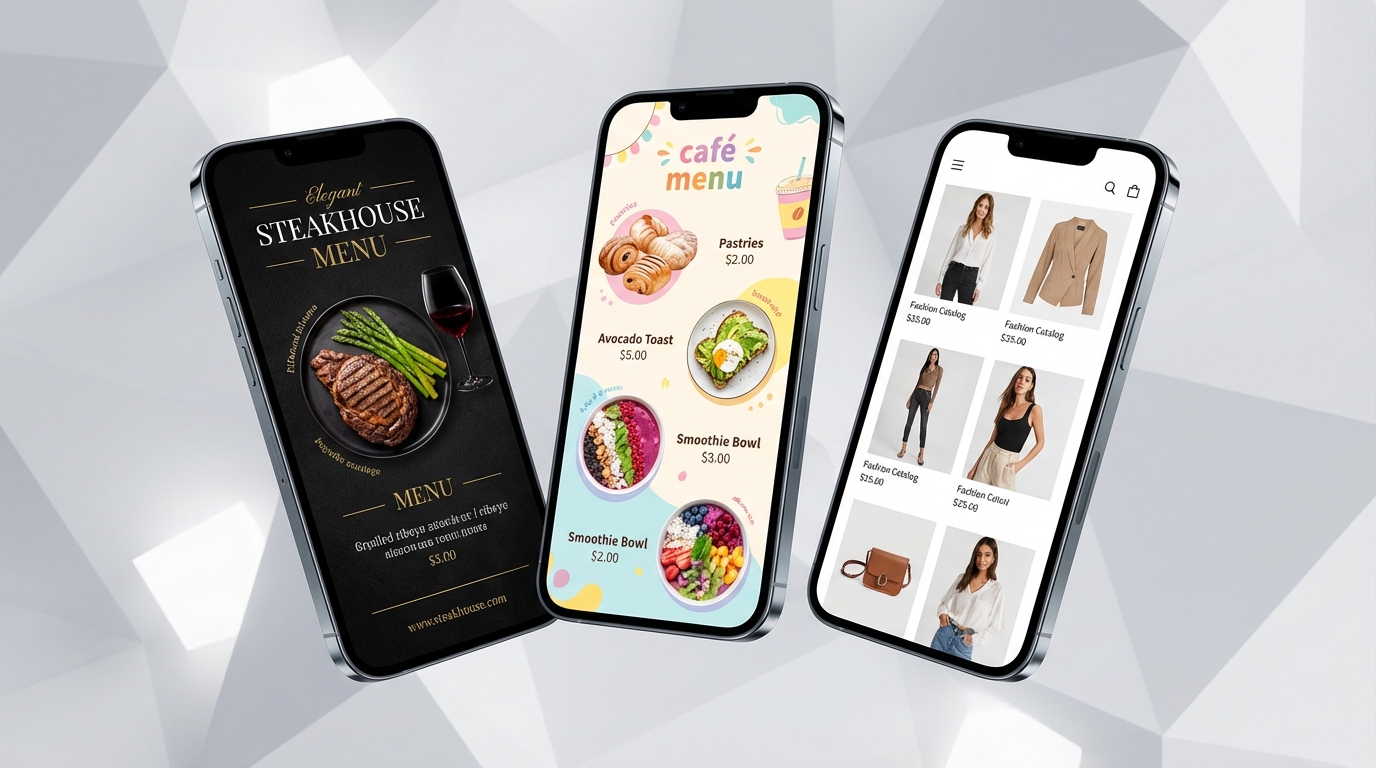
How to Choose the Right Menuy Template for Your Business
Menuy offers 10 professionally designed templates. Here's a guide to picking the one that best fits your business type, brand, and catalog size.