Getting Started with Menuy: A Step-by-Step Guide
A complete walkthrough of setting up your first digital menu on Menuy, from account creation to going live with QR codes.
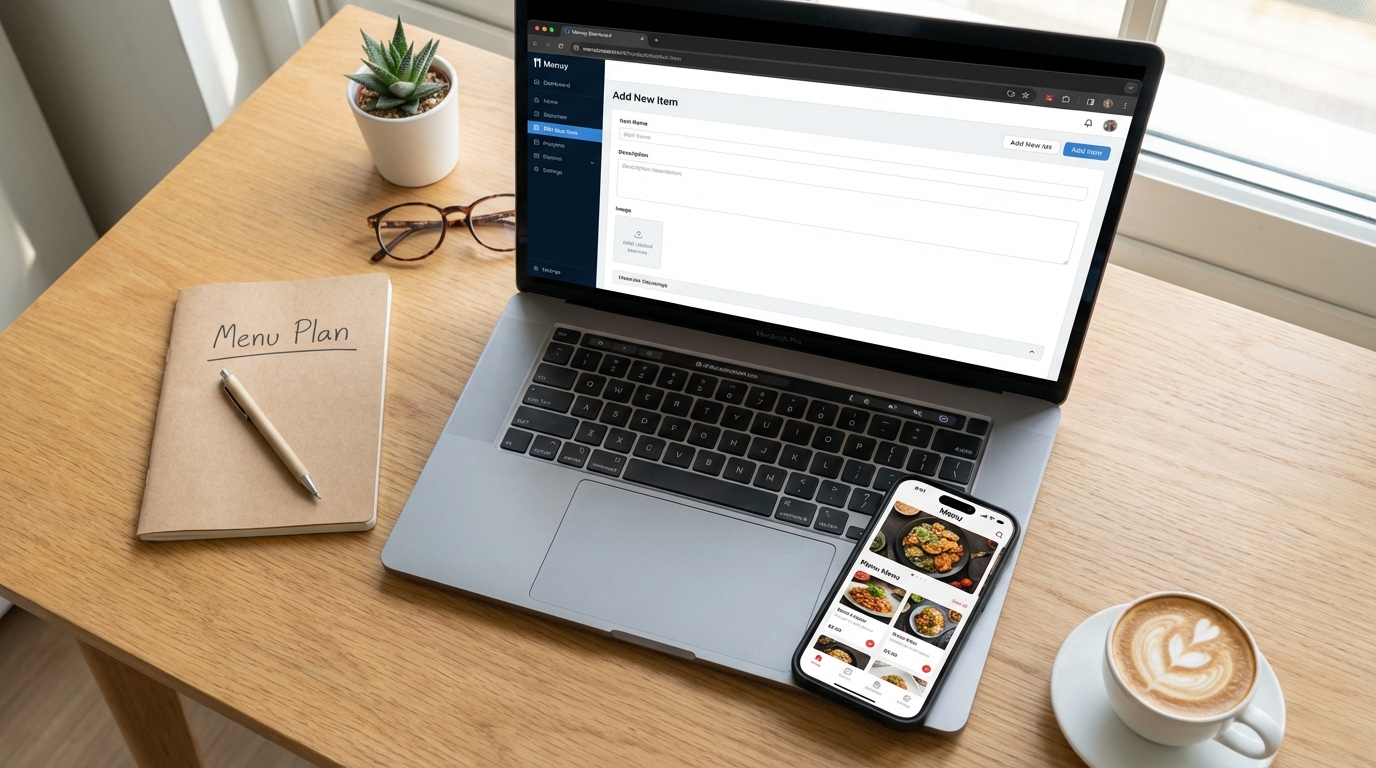
Welcome to Menuy
Setting up your digital menu takes less than 30 minutes. This guide walks you through every step.
Step 1: Create Your Account
- Go to menuy.app/register
- Sign up with email or Google
- Enter your restaurant name and select your business type
You'll start on the Free plan which includes 1 menu, 25 items, and 2 QR codes — perfect for testing.
Step 2: Set Up Your Menu
Create Categories
Organize your menu into logical sections:
- Appetizers
- Main Courses
- Desserts
- Drinks
Tip: You can reorder categories with drag-and-drop later.
Add Items
For each item, you can add:
- Name and description
- Price (with optional sale/crossed-out price)
- Photos (up to 3 per item on Starter, 10 on Pro)
- Variants (sizes, options)
- Modifiers (add-ons, customizations)
- Tags (vegetarian, spicy, gluten-free, etc.)
Organize with Categories
Items can belong to multiple categories. Create a "Chef's Picks" category and add your best items there without duplicating anything.
Step 3: Choose a Template
Menuy offers 5 templates:
- Classic — Traditional list layout, clean and familiar
- Modern Grid — Card-based layout with prominent photos
- Minimal List — Simple and fast, text-focused
- Photo-Heavy — Full-width images, perfect for visual menus
- Cafe Style — Warm, cozy aesthetic for cafes and bakeries
Preview each one with your actual menu data before choosing.
Step 4: Generate QR Codes
- Go to Dashboard → QR Codes
- Click Generate QR Code
- Label each code (e.g., "Table 1", "Counter", "Takeaway")
- Customize colors to match your brand
- Download and print
Tip: Print QR codes on sturdy tent cards or adhesive stickers for durability.
Step 5: Go Live
Place your QR codes, test them with your phone, and you're live! Customers can now scan and browse your menu instantly.
What's Next?
- Invite staff to help manage the menu
- Enable analytics to track menu views
- Set up notifications for online orders
- Explore templates and customize your look
- Upgrade your plan when you need more features
Welcome to the future of dining. Your customers will thank you.
Related Articles
QR Code Product Catalogs for Retail Stores: A Complete Guide
Learn how to set up QR code product catalogs for your retail store. From placement strategies to customer experience, here's everything you need to know.
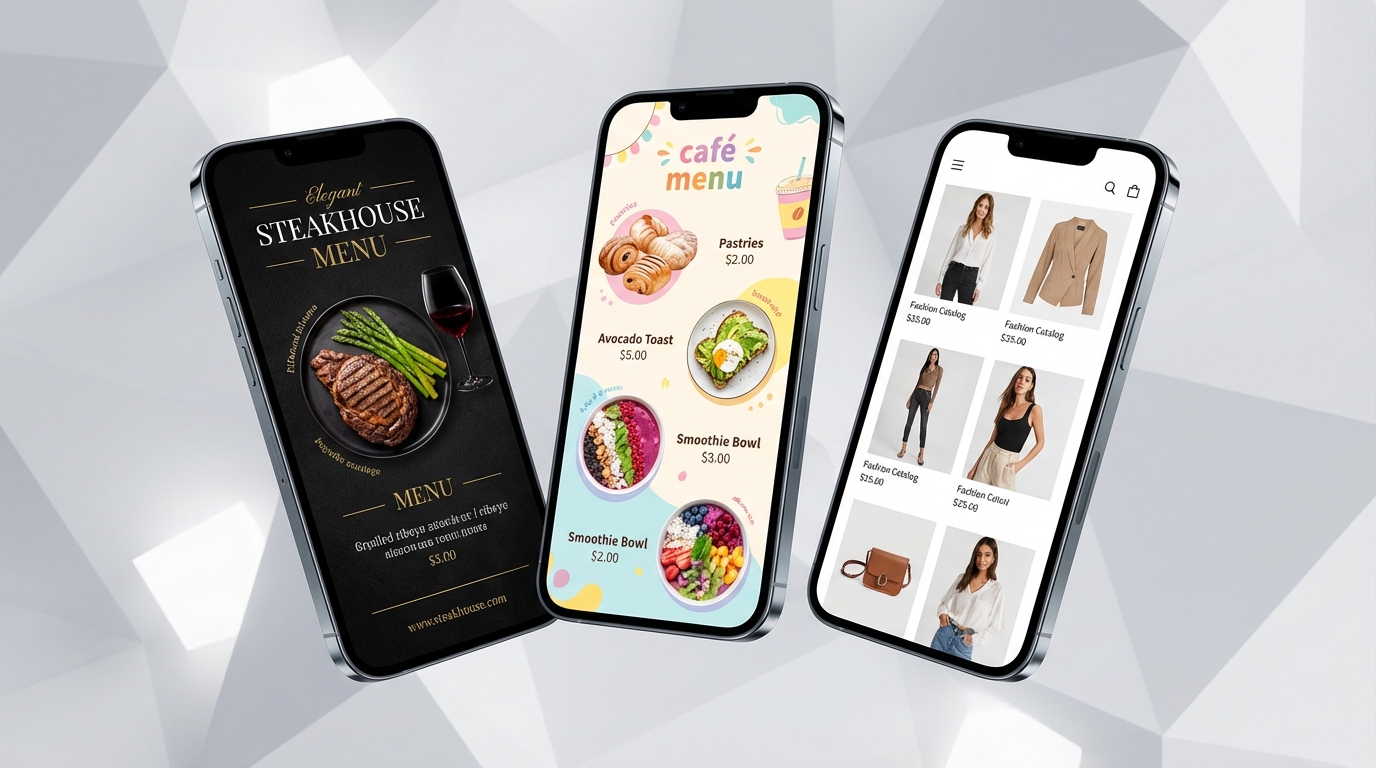
How to Choose the Right Menuy Template for Your Business
Menuy offers 10 professionally designed templates. Here's a guide to picking the one that best fits your business type, brand, and catalog size.