Salons & Spas
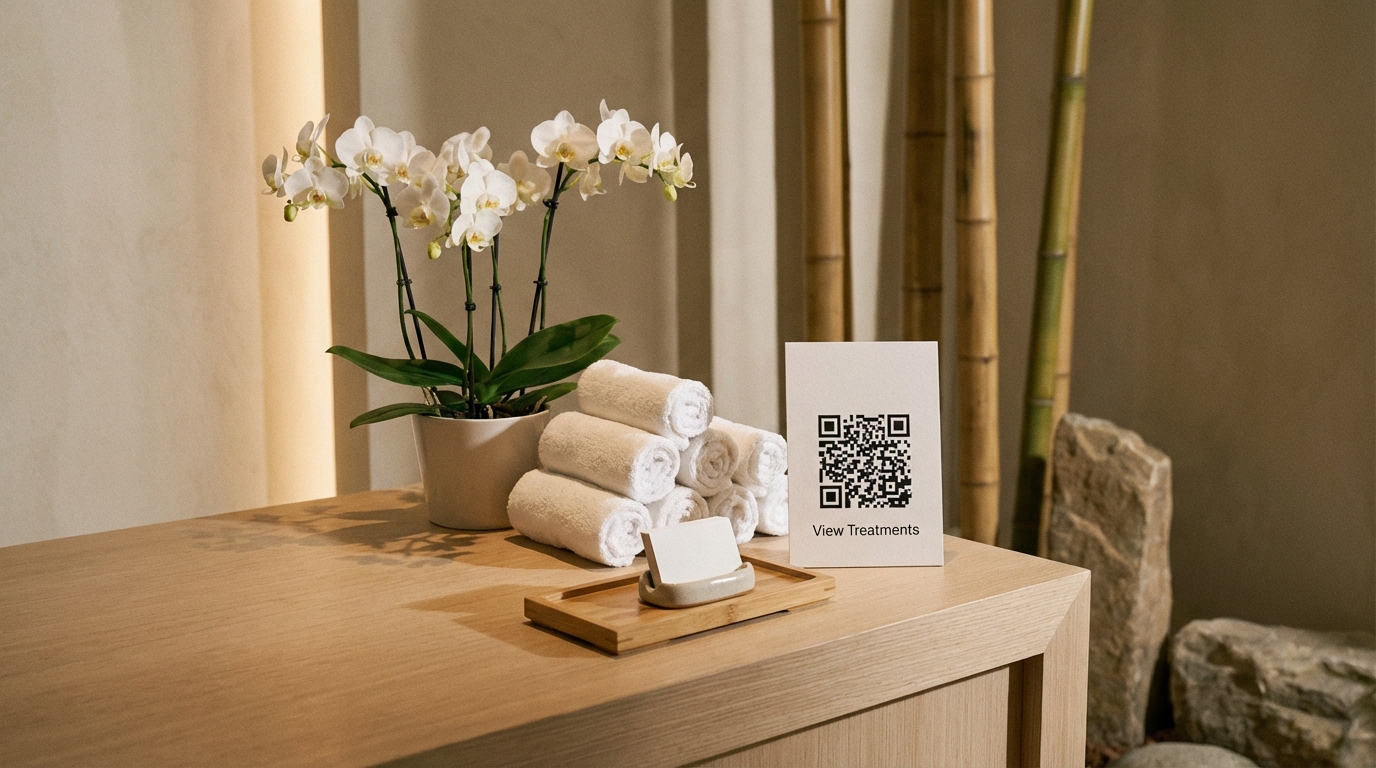
List your services, treatments, and packages with prices and duration — scannable via QR at reception.
Get Started FreeKey benefits
Why Salons & Spas Use Menuy
Clients sitting in your waiting area are the perfect audience for upselling. If they can browse your full service menu on their phone — with descriptions, durations, and prices — they're more likely to add a treatment or upgrade their booking.
Menuy turns your service list into a beautiful, browsable catalog. Clients see exactly what you offer, how long each treatment takes, and what it costs — all before they sit in the chair.
How to Set Up Your Salon Catalog
Organize by service type. Hair (Cut, Color, Treatment), Nails (Manicure, Pedicure, Nail Art), Massage (Swedish, Deep Tissue, Hot Stone), Facials — clear categories that match your service menu.
Include duration and pricing. Use the description field to note treatment duration ("60 minutes") alongside the price. Clients want to know both before booking.
Use modifiers for add-ons. Deep conditioning treatment, paraffin hand dip, scalp massage, gel finish — list add-on services as modifiers so clients can see all their upgrade options.
Place QR codes at reception. A QR code at the front desk lets walk-in clients browse your services while waiting. Put another in each treatment room for rebooking ideas.
Recommended Templates
Elegant creates a spa-like digital experience — refined design that matches premium salon branding. Minimal offers a clean, uncluttered service list. Cafe Style provides a warm, inviting layout that works well for neighborhood salons.
Recommended templates
These templates work great for this type of business.
Explore more use cases

Restaurants
From family diners to fine dining, Menuy helps restaurants replace paper menus with beautiful digital ones.
Read more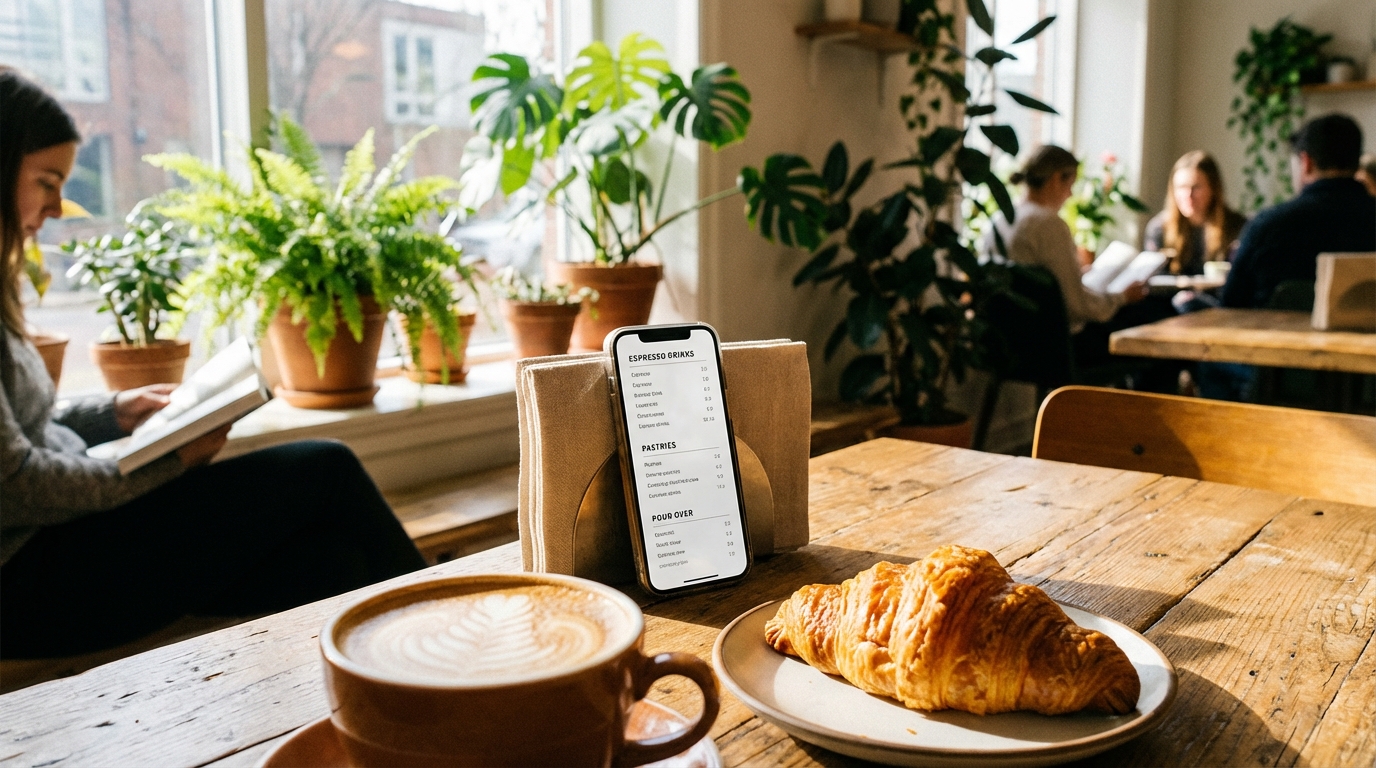
Cafes & Coffee Shops
Perfect for cafes that frequently update seasonal drinks, pastries, and daily specials.
Read more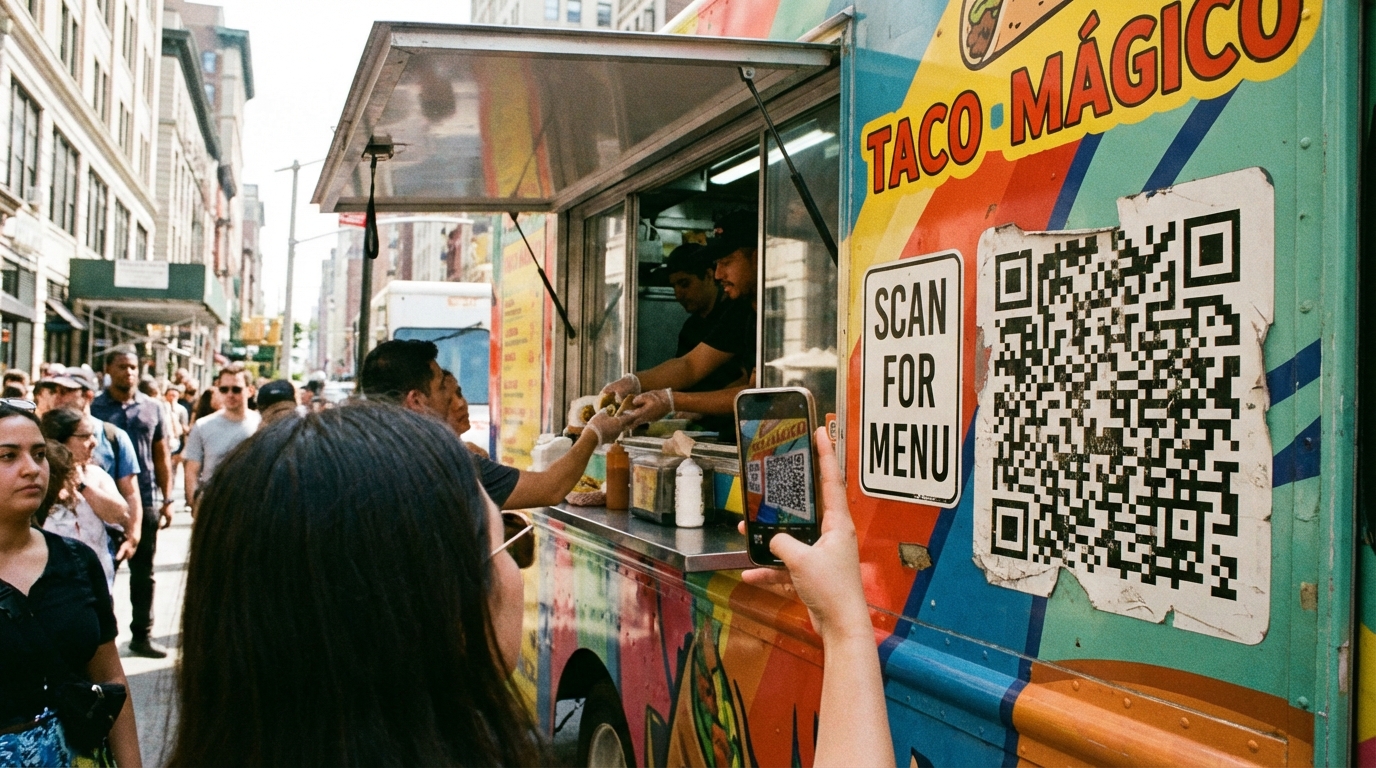
Food Trucks
Mobile-first menus for mobile businesses. Your customers can browse while waiting in line.
Read moreReady to create your digital catalog?
Start free. No credit card required.