Restaurants
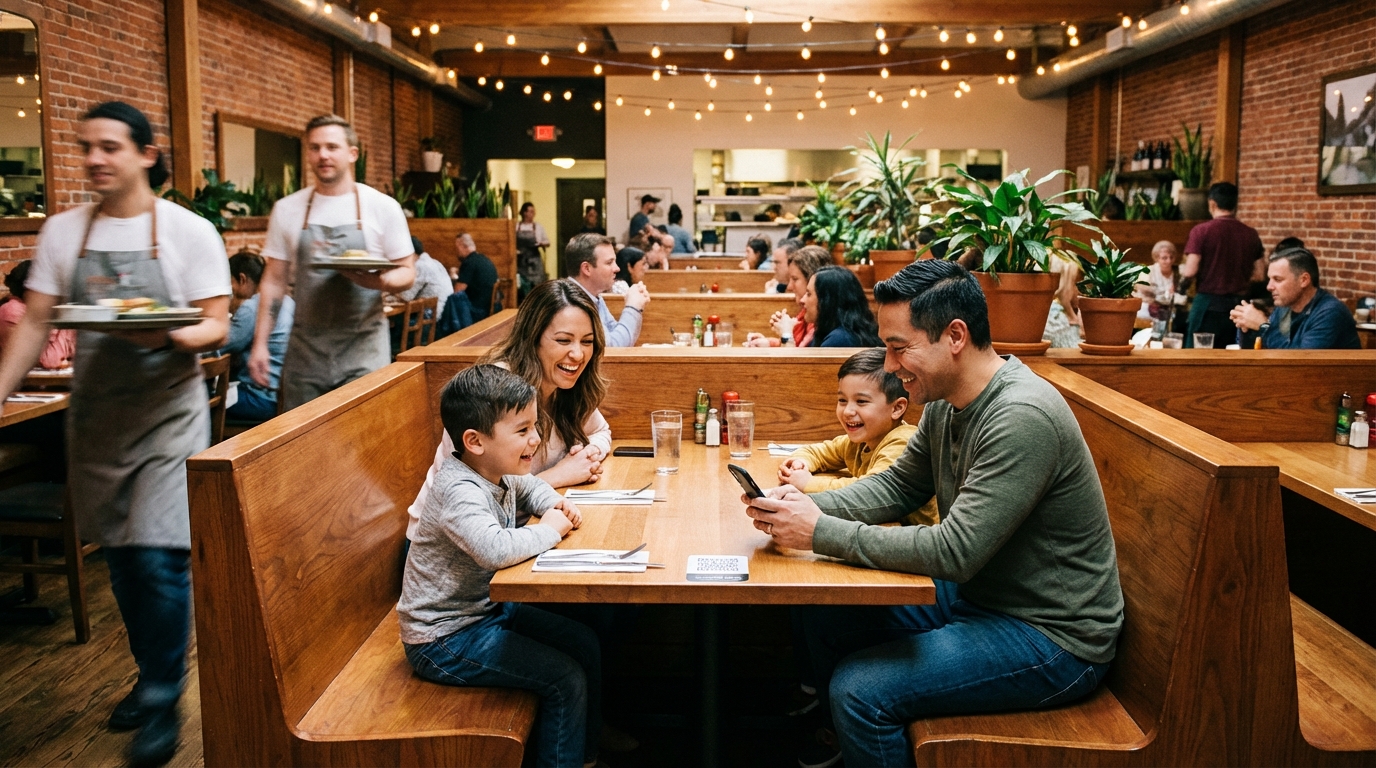
From family diners to fine dining, Menuy helps restaurants replace paper menus with beautiful digital ones.
Get Started FreeKey benefits
Why Restaurants Choose Menuy
Running a restaurant means constant menu changes — seasonal ingredients, price adjustments, daily specials. Paper menus can't keep up. Every change means a trip to the printer, wasted stock, and downtime.
Menuy gives you a digital menu that updates instantly. Change a price, add a photo, mark an item as sold out — your customers see the change immediately on their phones.
How to Set Up Your Restaurant Menu
Organize by course. Create categories like Appetizers, Main Courses, Desserts, and Drinks. This matches how your customers naturally browse a menu.
Add photos that sell. Dishes with photos get more orders. Upload high-quality images for your signature items — they load fast even on slow connections.
Use variants for customization. Offer size options (half/full portions), protein choices, or spice levels using variant groups. Modifiers handle add-ons like extra cheese or sides.
Set up QR codes. Print QR codes for each table. Customers scan, browse your full menu with photos and descriptions, and place orders — all from their phone.
Recommended Templates
The Classic template works beautifully for restaurants — clean categories, elegant typography, and a layout that feels like a traditional menu. For restaurants with strong food photography, Photo Heavy puts images front and center. Modern Grid offers a card-based layout that works well for restaurants with many items.
Recommended templates
These templates work great for this type of business.
Explore more use cases
Cafes & Coffee Shops
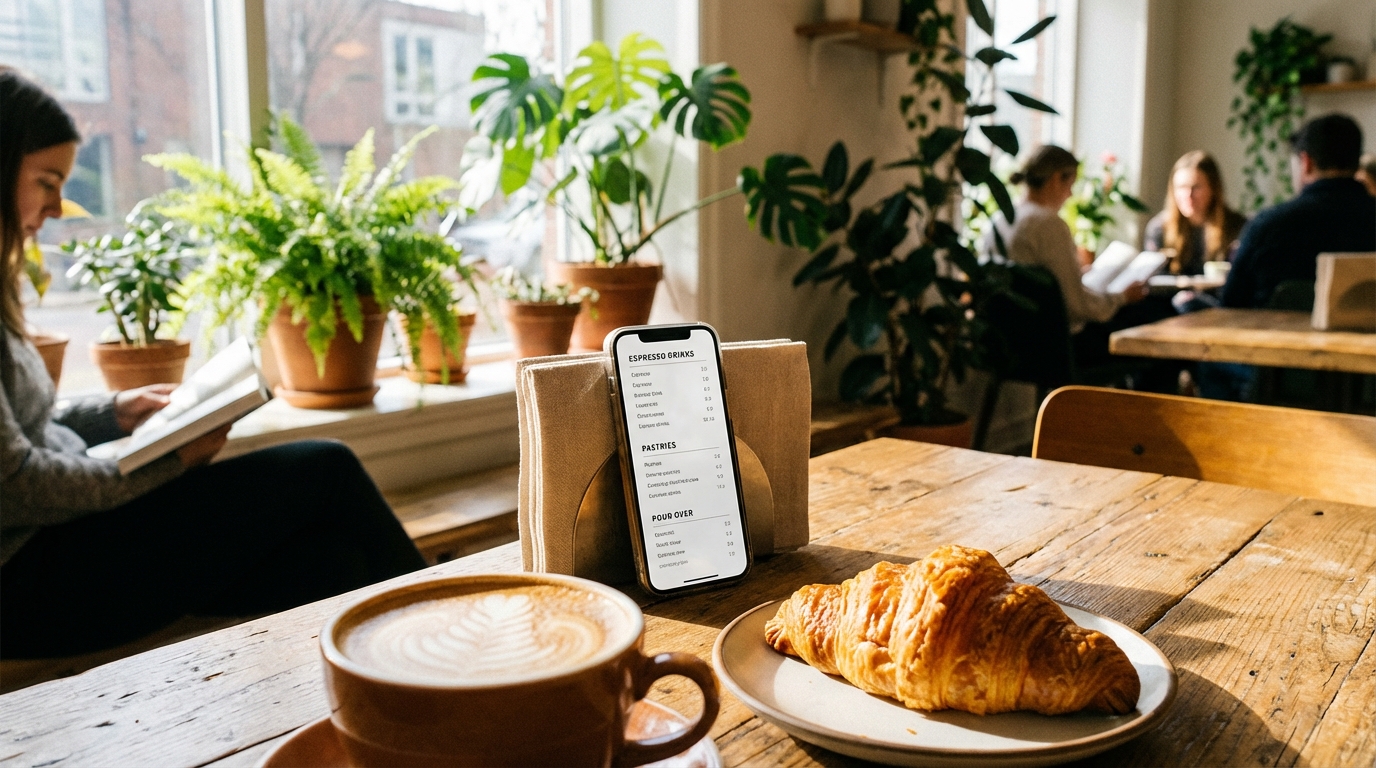
Perfect for cafes that frequently update seasonal drinks, pastries, and daily specials.
Read more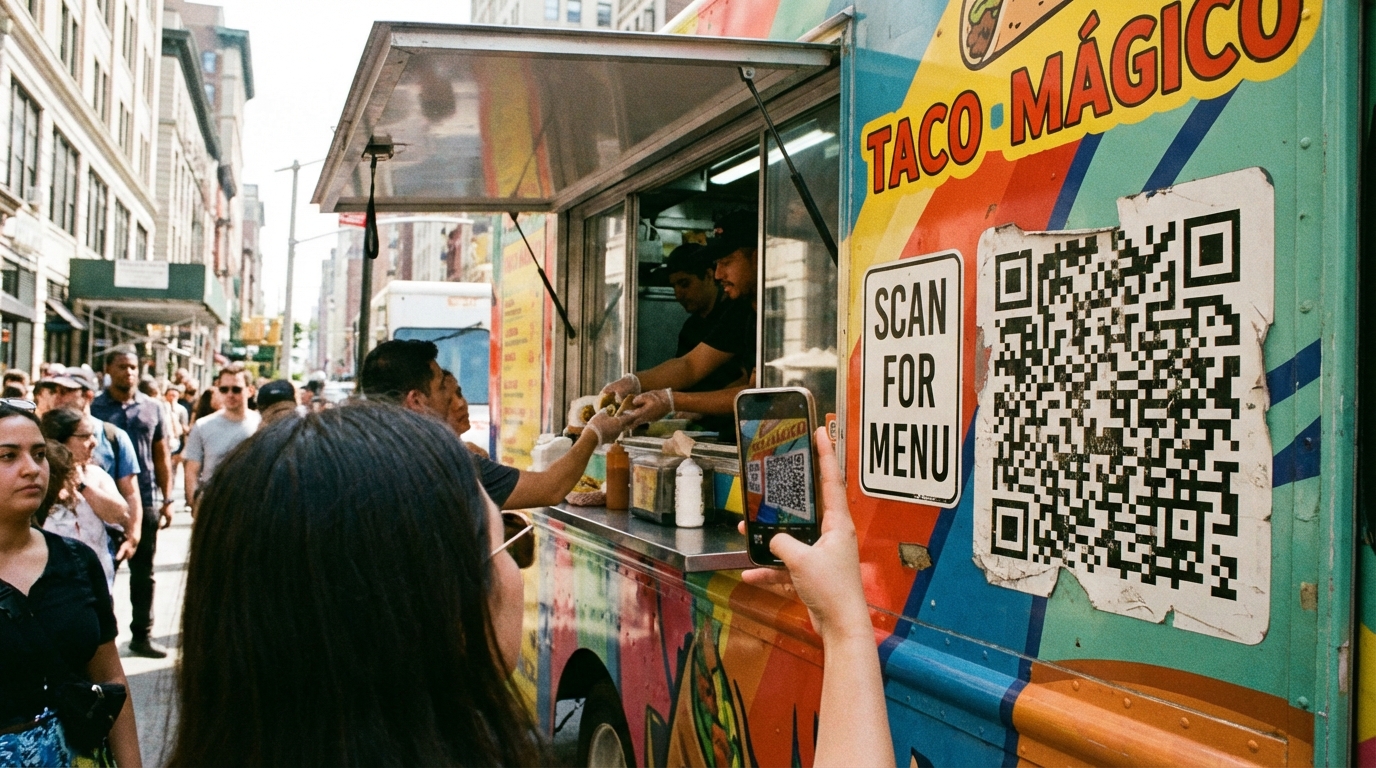
Food Trucks
Mobile-first menus for mobile businesses. Your customers can browse while waiting in line.
Read more
Bars & Lounges
Showcase your cocktail menu, wine list, and food pairings with style.
Read moreReady to create your digital catalog?
Start free. No credit card required.