Create a Shareable SaaS Pricing Page in Minutes
Use Menuy's one-pager template to build a clean, mobile-friendly pricing page for your SaaS product — no coding required.

The SaaS Pricing Problem
Every SaaS company needs a pricing page. But building one from scratch means designing, coding, and maintaining it. And when plans change, someone has to update the code.
What if you could create a professional pricing page in 10 minutes, update it from a dashboard, and share it with a single link?
How to Use Menuy for SaaS Pricing
Menuy's catalog structure maps perfectly to SaaS pricing:
| Menuy Concept | SaaS Equivalent |
|---|---|
| Categories | Service tiers (Hosting, Tools, Support) |
| Items | Individual plans or products |
| Variants | Billing cycles (Monthly, Annual) |
| Modifiers | Add-ons and optional features |
| Compare price | "Was $49, now $39" promotions |
Step 1: Create Your Categories
Organize by service type:
- Hosting Plans — Starter, Business, Agency
- Developer Tools — API Gateway, CI/CD, Database
- Support Plans — Community, Priority, Agency
Step 2: Add Plans as Items
Each plan gets a name, description, base price, and optional compare price for promotions. Add tags like "Popular" or "Best Value" to guide decisions.
Step 3: Use Variants for Billing Cycles
Add a variant group called "Billing Cycle" with options like "Monthly" and "Annual (Save 20%)." The annual option can have a negative price adjustment to show the discount.
Step 4: Add Feature Add-ons
Use modifier groups for optional add-ons: "Extra 1M Requests," "Custom Domain," "Webhook Relay." Each has its own price.
Choose the Right Template
The One Pager template is ideal — sticky category navigation, clean layout, and a mobile-first design that works great for pricing pages.
Share and Embed
Once published, share your pricing page link in:
- Sales emails and proposals
- Product documentation
- Landing pages and social media
No more attaching PDFs that go stale. One link, always current.
Preview the One Pager template with SaaS data or create your pricing page now.
Related Articles

Turn Your Fashion Collection Into a Digital Lookbook
Learn how fashion boutiques and clothing stores use Menuy to create beautiful digital lookbooks with size variants, seasonal collections, and social sharing.
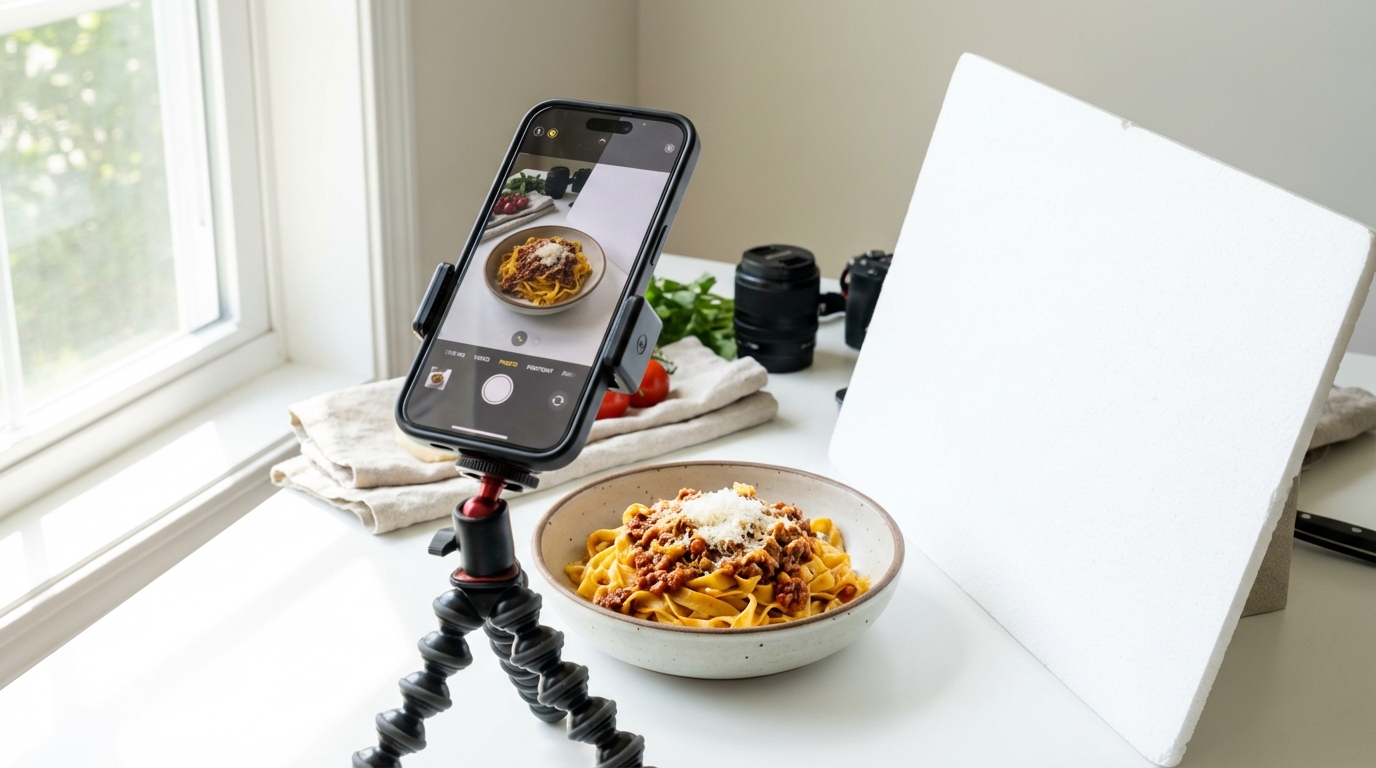
How to Take Great Food Photos With Your Phone
You don't need a professional photographer. Learn simple tips to capture appetizing food photos using just your smartphone.